> For the complete documentation index, see [llms.txt](https://developer.gospace.com/llms.txt). Markdown versions of documentation pages are available by appending `.md` to page URLs; this page is available as [Markdown](https://developer.gospace.com/floorplan-sdk/dark-mode.md).
# Dark Mode
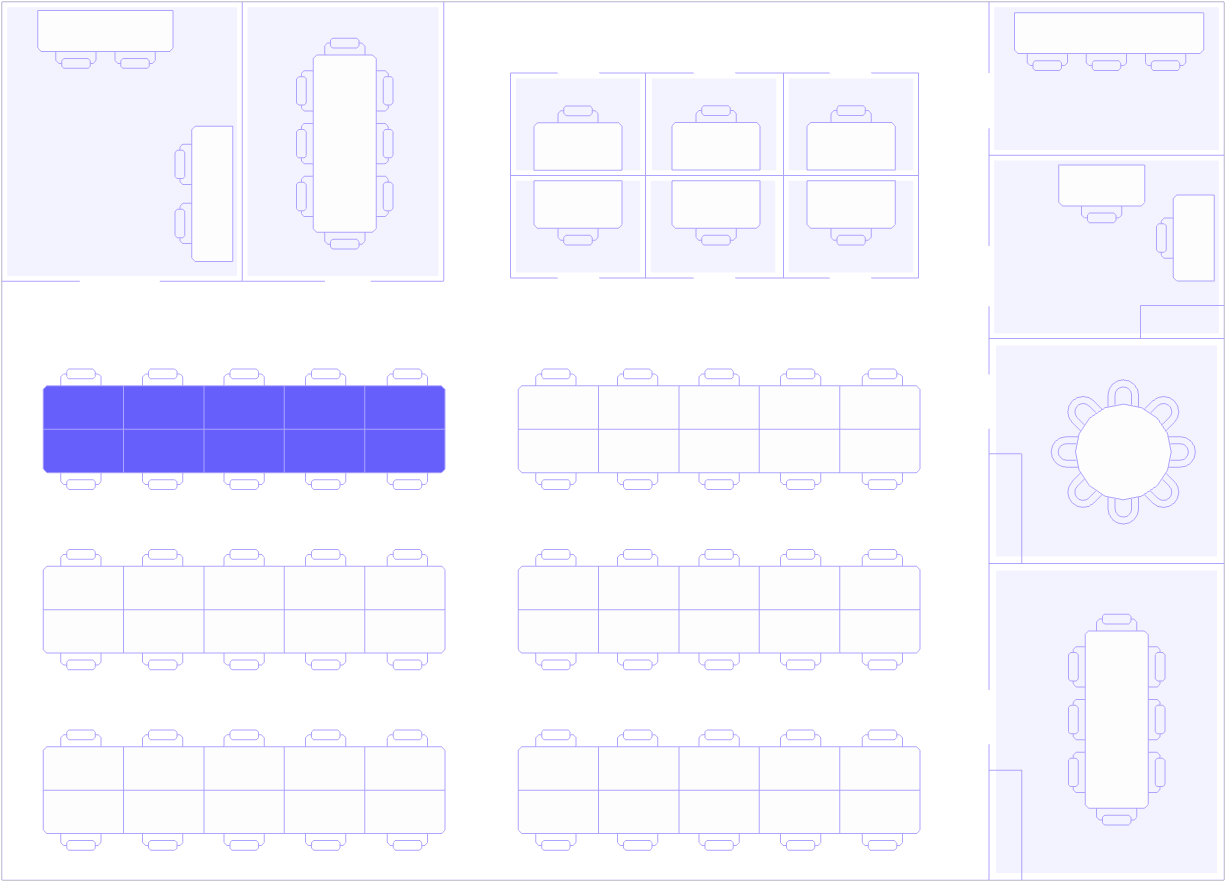
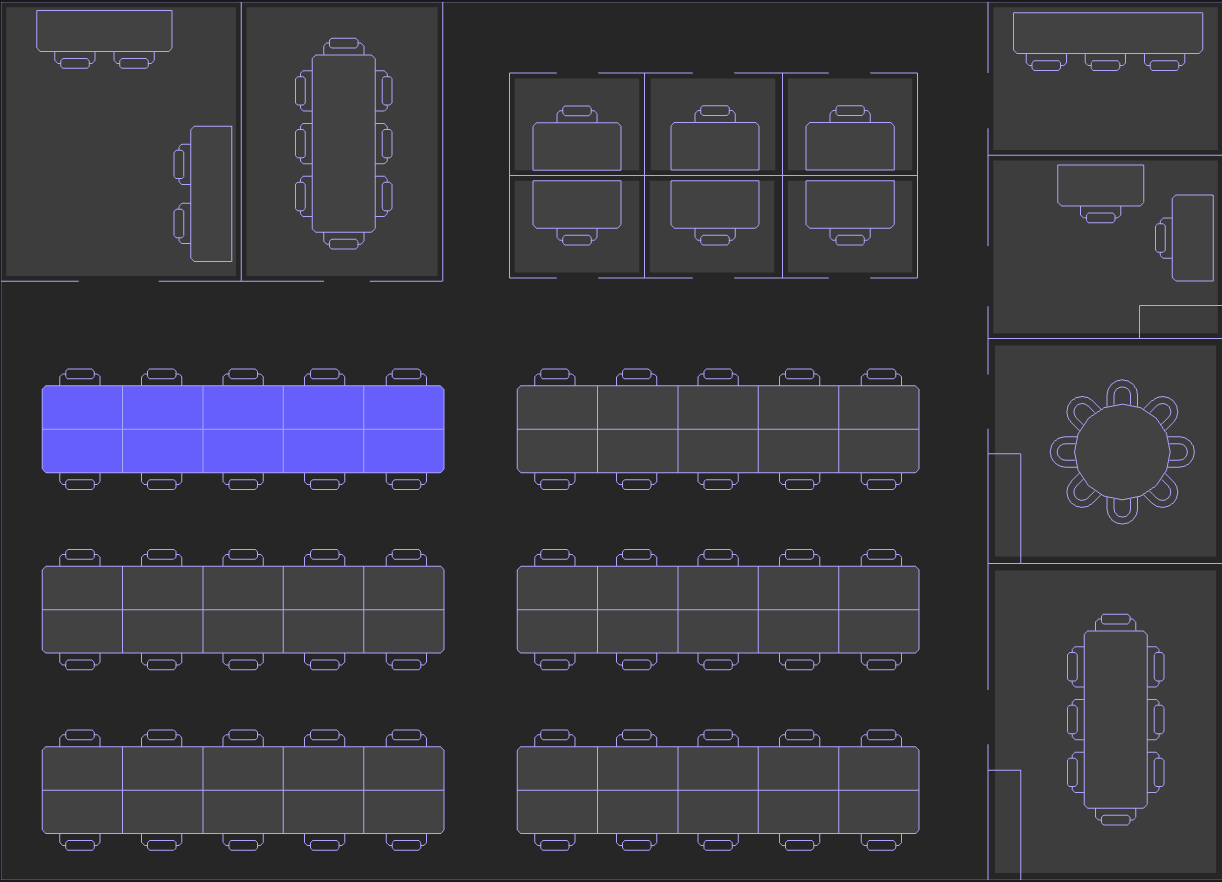
The gospace Floorplan SDK ([@gospace-ai/floorplan](https://www.npmjs.com/package/@gospace-ai/floorplan)) supports a Dark Mode feature, allowing developers to enable a dark-themed user interface for the embedded floorplan. This enhances accessibility, improves visibility in low-light environments, and aligns with modern design preferences.
{% columns %}
{% column %}
{% endcolumn %}
{% column %}
{% endcolumn %}
{% endcolumns %}
### Key Features
* Optional Dark Mode: Toggle a dark-themed UI for the floorplan to match your application’s aesthetic or user preferences.
* Seamless Integration: Applied via a single configuration parameter, with no additional setup required.
* Consistent Experience: Works in both 2D Mode and 3D Mode, ensuring a cohesive look across rendering modes.
* User-Friendly: Enhances readability and reduces eye strain for users in dark environments.
### Configuration
To enable Dark Mode, set the dark\_mode parameter to true when initialising the SDK:
### Example
```javascript
const sdk = new gospaceFloorplan.FloorplanSDK({
key: 'floorplan-container',
access_token: 'client-specific-access-token',
location_id: '12345',
layer_id: 'abc123', // Optional: Triggers 2D Mode
dark_mode: true // Enables Dark Mode
});
sdk.init();
```
### Parameter Details
Parameter
Type
Description
Required
Default
dark_mode
boolean
Enables dark-themed UI for the floorplan
No
false
### Behavior
* When dark\_mode: true, the floorplan iframe (hosted at ) renders with a dark color scheme, including darker backgrounds and adjusted text/icon colors.
* When dark\_mode: false (or omitted), the default light-themed UI is used.
* Dark Mode applies consistently in both 2D Mode (with layer\_id) and 3D Mode (without layer\_id).
### Use Case
* Aesthetic Alignment: Match the floorplan’s appearance to a dark-themed application.
* Accessibility: Improve usability for users in low-light settings or with visual preferences for darker interfaces.
* Branding: Create a cohesive look for applications targeting modern, dark-mode-friendly designs.
### Best Practices
* Dynamic Toggling: Allow users to toggle Dark Mode by reinitialising the SDK with updated dark\_mode values based on user preferences.
* Testing: Preview the floorplan in both light and dark modes to ensure visual clarity for all space allocations (e.g., desks, offices, meeting rooms).
* CSS Integration: Use the class\_name parameter to apply custom styles that complement Dark Mode.